Features
Every feature you need, proven at 1000s of events
We've run thousands of events around the world and built out everything needed to collect and share guest photos live. We keep refining PhotoStream.Live based on your feedback.
-
The most comprehensive feature set
More of what event hosts need than any other live photo sharing tool.
-
Extensively tested
We test every feature thoroughly, so it works when your guests are in the room.
Need something we don't have yet? We build custom features for customers all the time. Contact us with your request
Why use PhotoStream.Live?
Make sharing easy
Printable guest instructions
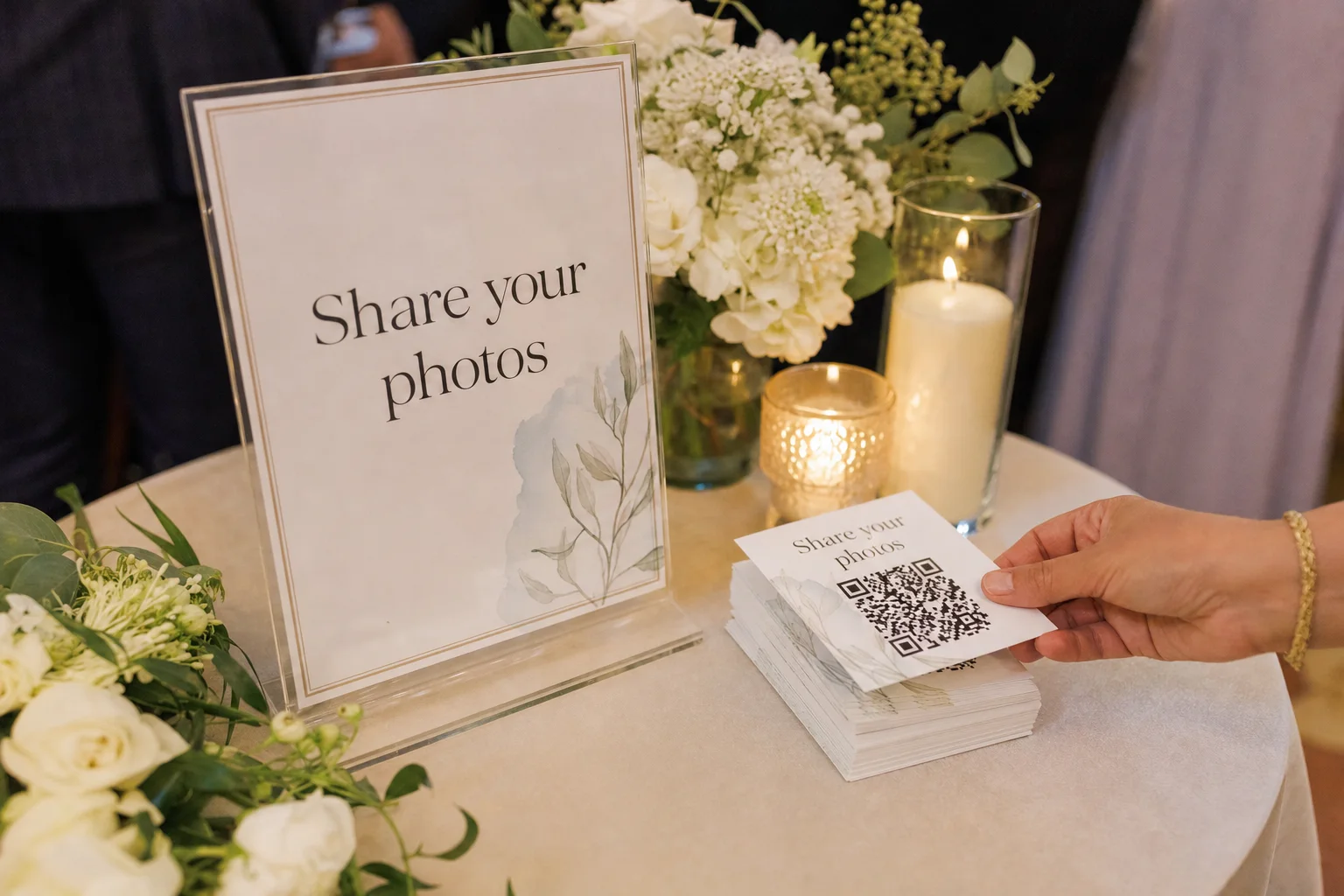
Download event-specific Letter, A4 or 4 × 6 cards with your QR code and posting details, ready to display around the venue.
See how it worksQR and MMS posting
Guests can scan your event QR code and upload from their browser, or send media by MMS in the US and Canada - no app required.
See how it worksUnlimited participants and uploads
Every package includes unlimited guests and unlimited photos, videos and GIFs - no caps and no per-guest fees.
See how it worksShape the live experience

Upload memory photos
Upload your favourite memory photos before the event and they'll cycle through the live stream alongside your guests' live posts.
See how it worksLive stream controls
Control the photo layout, image sizing, rotation, post details, instructions and how the guest QR code appears.
See how it worksCustom branding
Style the stream with your event title, message, colours and background. With Complete, add your logo to the stream, upload page, gallery and QR cards.
See how it worksStay in control

QR posting controls
Choose open, password-protected or email-verified access and collect guest names.
See how it works
Moderation and post controls
Archive anything you don't want shown and restore it later. With Complete, approve posts before they go live, manually or with AI-assisted moderation.
See how it worksWork as a team
Invite co-hosts, planners or venue staff and choose what each person can do. Everyone can manage the same event at once without overwriting each other. How teams work
See how it worksAfter the event
Posting insights
Understand posting activity, popular channels, media types and your most active contributors.
See how it works
Gallery
Share a link to an online gallery of all the photos, videos and GIFs from your event - perfect for guests and anyone who couldn't attend.
See how it worksDownload all shared media
After your event, download the complete set of photos, videos and GIFs your guests shared, ready to keep forever.
See how it worksTurn a blank screen into the heart of the room
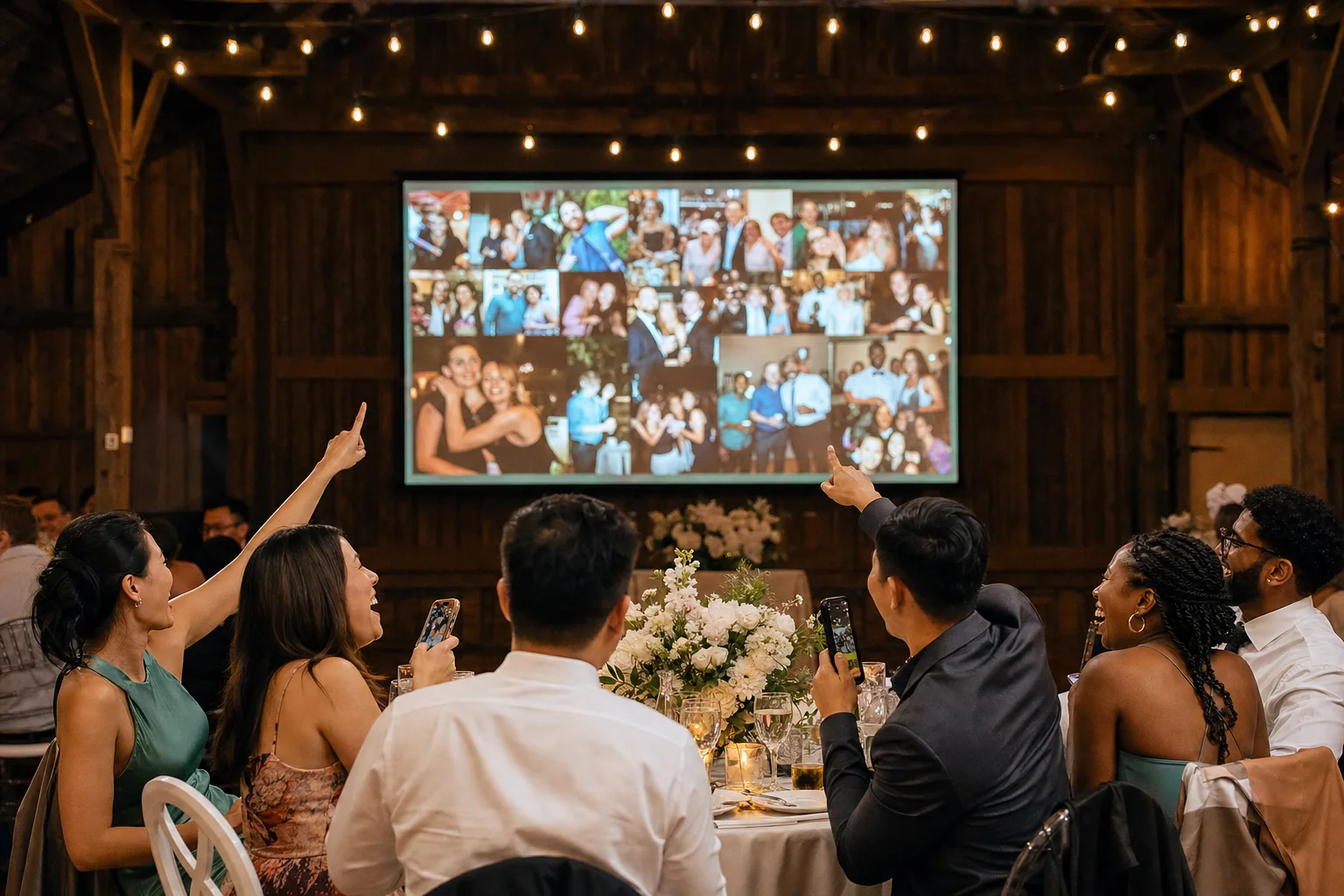
Your guests are already taking photos. PhotoStream.Live puts them on the screen while the moment is still happening.
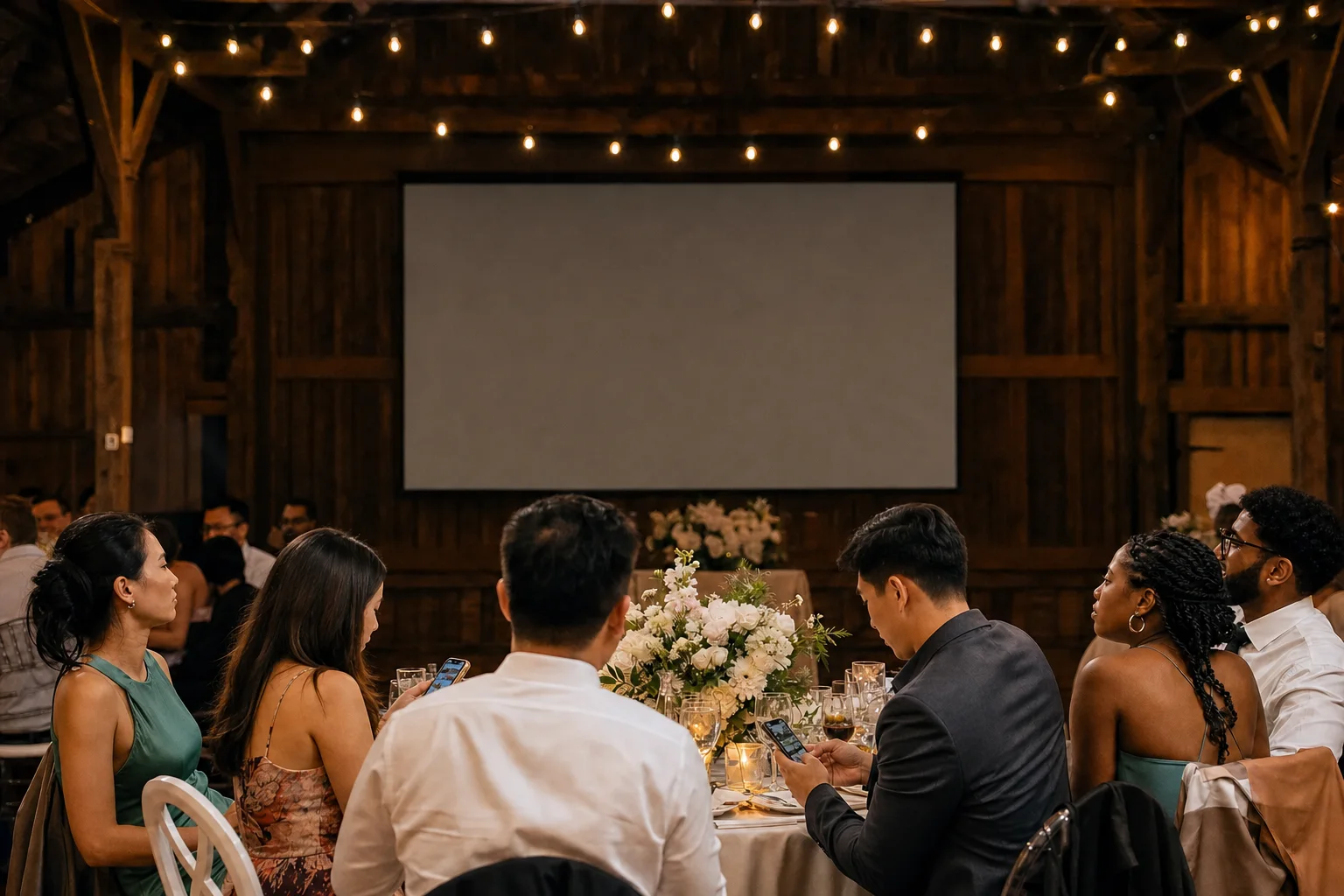 Without
With PhotoStream.Live
Drag to compare the same reception
-
Without: Photos stay on guests' phones
With: Every post lands in one live stream
-
Without: A blank screen between speeches
With: The screen fills with your guests' moments
-
Without: An app or group chat to explain
With: Guests scan a QR code or send an MMS
-
Without: Chasing people for photos afterwards
With: One gallery and one download
Before, during and after your event
Before
During
Make sharing easy
Printable guest instructions
Download instructions made for your event, ready to put on tables, welcome signs and walls around the venue.
 View Photo Gallery
Made for your event
Each PDF includes your event name, posting details and the steps guests need to follow.
Upload and gallery QR codes
One code opens your upload page. The other opens your gallery once you make it viewable.
Your logo on the card Complete
Put your own logo at the top and use your stream title as the heading.
Make sharing easy
QR and MMS posting
Two simple ways for guests to share, and neither needs an app.
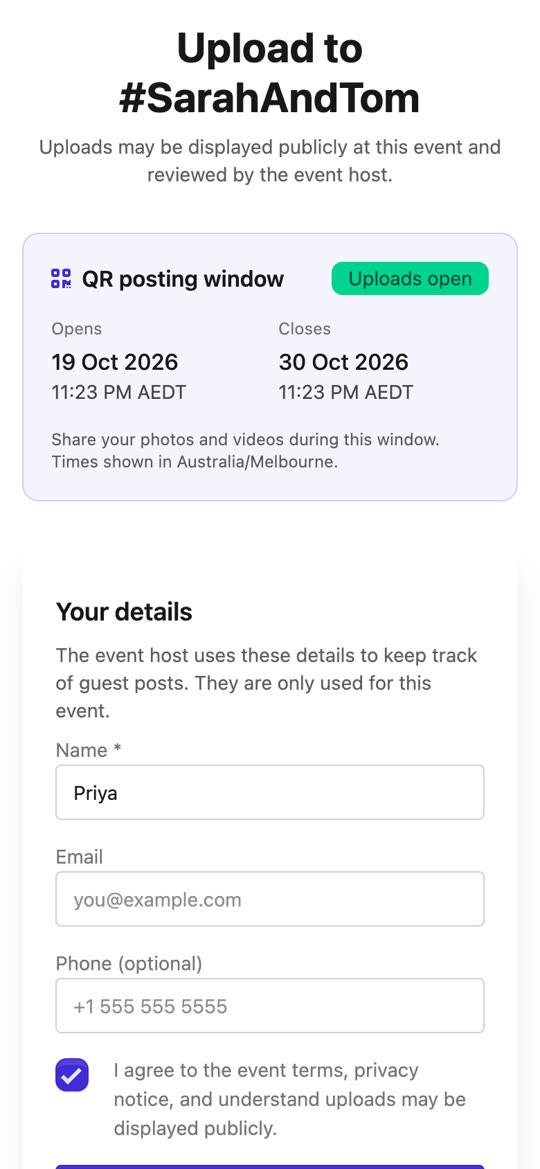
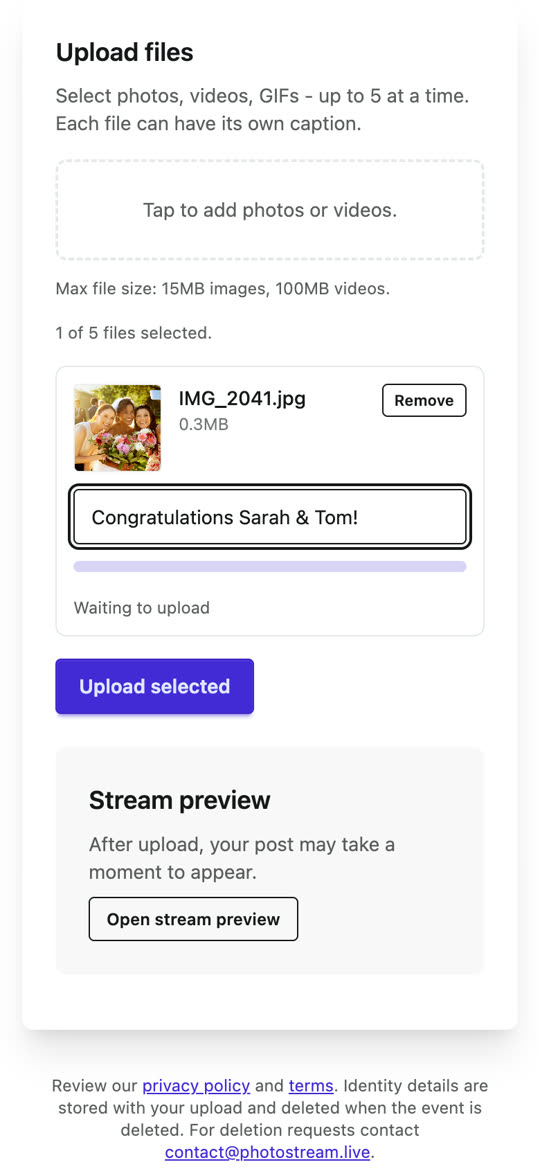
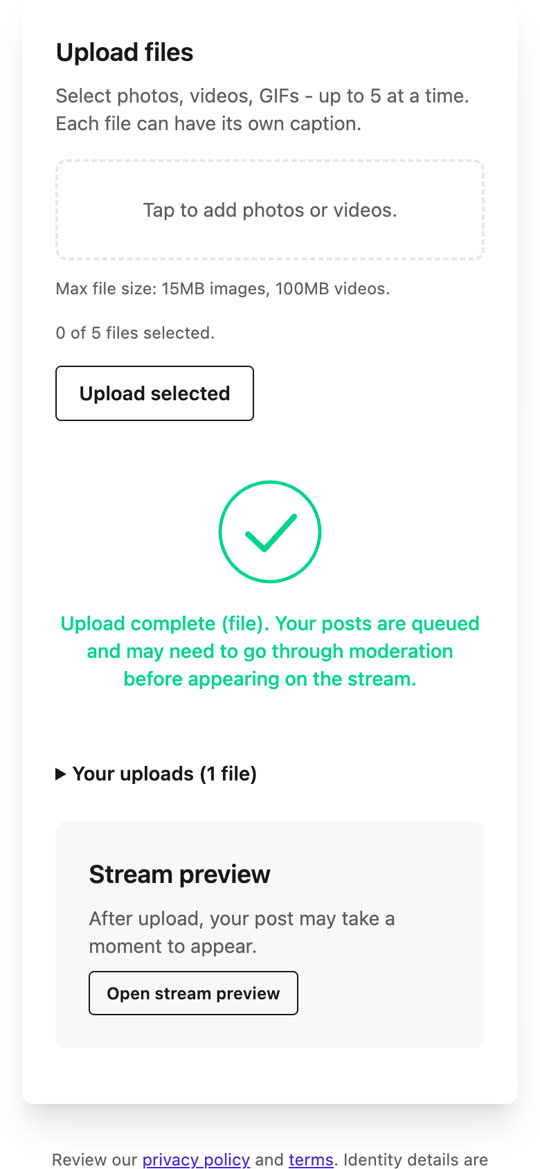
 Delivered

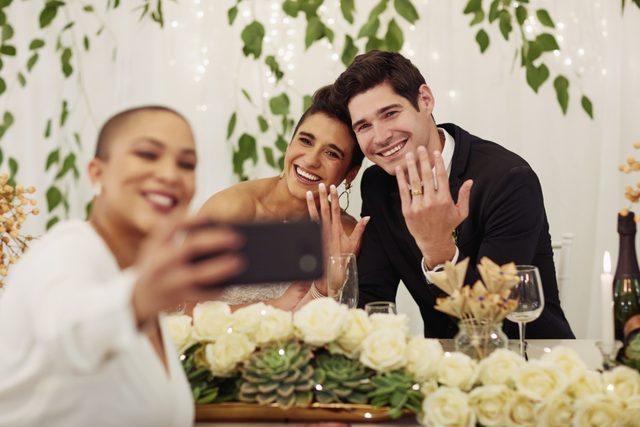
The photo joins your live stream
Nothing to install
No app to explain at every table. With open or password access, guests don't need an account either.
Photos, videos and GIFs
QR accepts JPEG, PNG, GIF, WebP, HEIC, MP4, MOV, WebM and 3GP. Photos up to 15 MB, videos up to 100 MB and five minutes.
Where each one works
QR upload works anywhere with a browser and internet. MMS is available in the US and Canada.
Make sharing easy
Unlimited participants and uploads
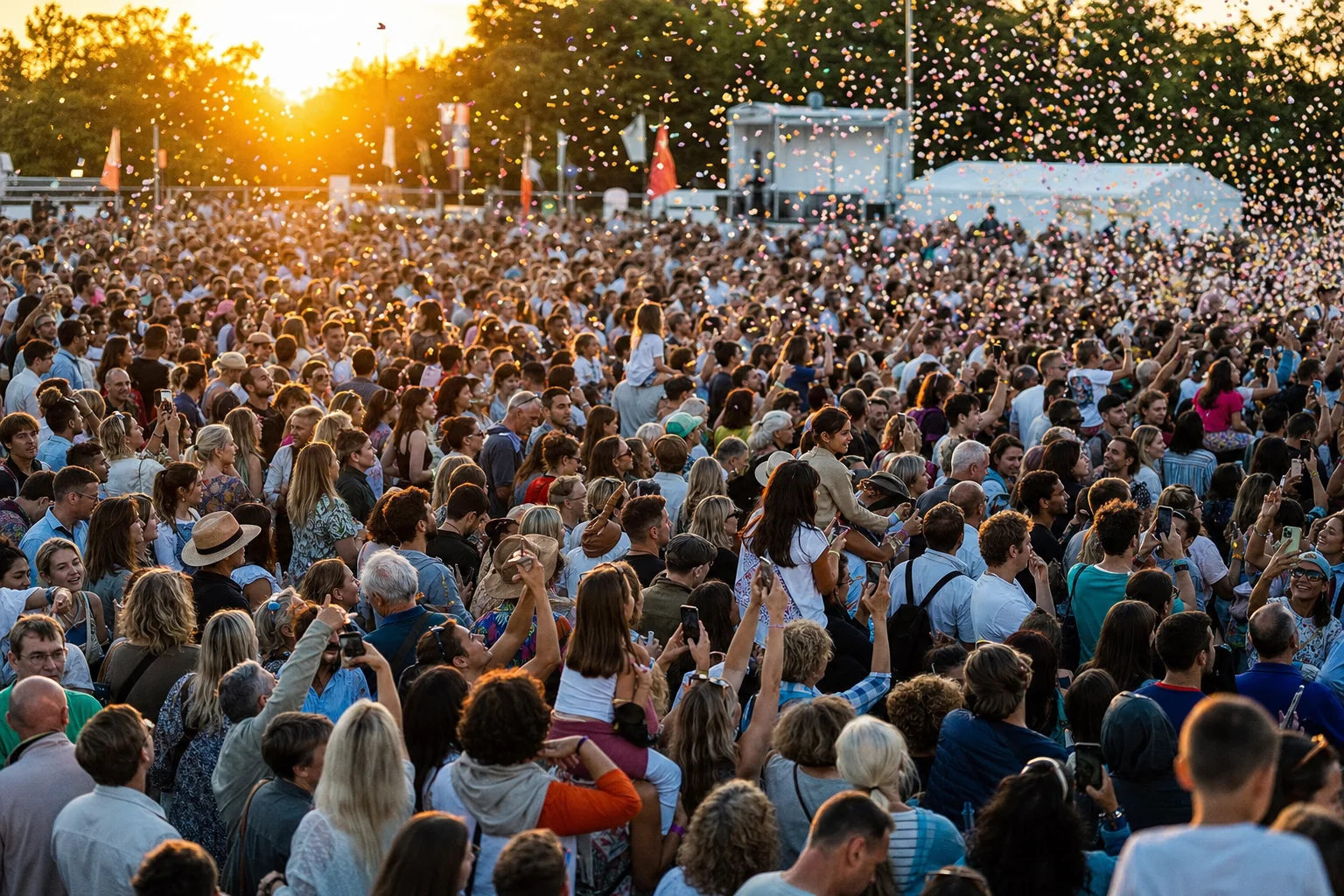
Invite everyone. Standard and Complete packages have no guest limit, no per-guest fees and no package cap on uploads.
Headcount doesn't change the price
A dinner for 40 and a conference for 4,000 get the same features on the same package.
Everyone can join in
Every guest can keep adding to the stream, so it grows through the whole event.
Shape the live experience
Upload memory photos
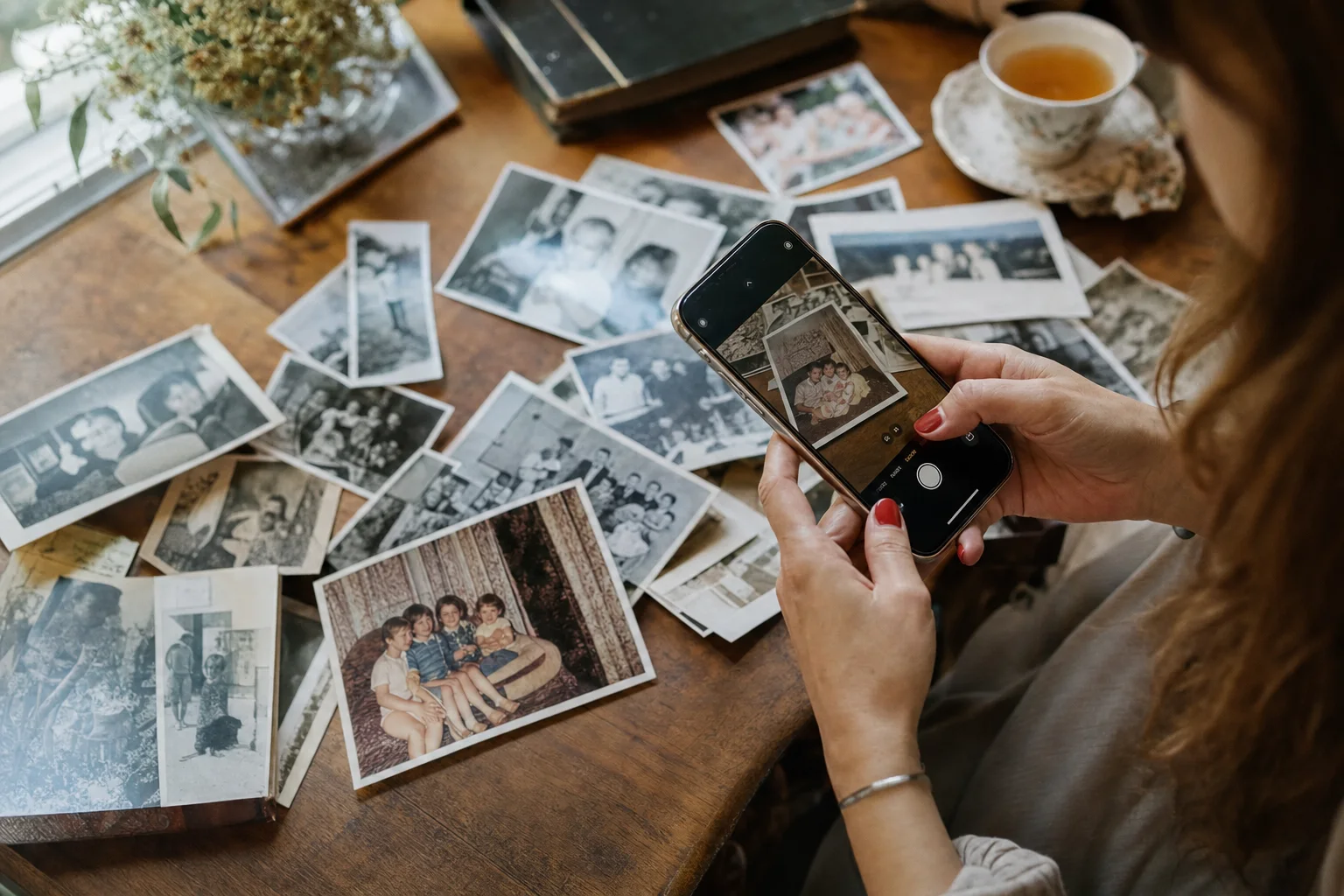
Add the photos that tell your story, and they'll cycle through the stream alongside what guests post on the day.
-
Something on screen from the first minute
Baby photos, the engagement, last year's team offsite. Your stream looks alive before the first guest posts.
-
Mixed in with guests' posts
Memory photos join the same rotation as live posts. Turn on source icons to label them on screen.
-
Add them whenever you're ready
Upload JPG, PNG, GIF, MP4 or MOV files up to 15 MB from your event. They skip moderation because they come from you.



Set up the screen your way
Choose how posts fill the screen, how often they rotate and where the guest QR code sits. Try the settings below - it's the same menu you'll find on your live stream.
Showing: - change a setting to take over Your settings, live on the preview
Settings
Try itColumns
QR Display
Position
Size
Save defaults per event
Set columns, rotation, captions and QR display once in Stream Settings, and every screen opens your stream that way.
Fine-tune on any screen
The gear menu on the stream adjusts just that display - a projector, a TV in the bar - and remembers it on that device.
Slideshow Mode in one click
One photo at a time, a new one every 15 seconds and no footer - ready for a projector or big screen.
Customize and brand your event
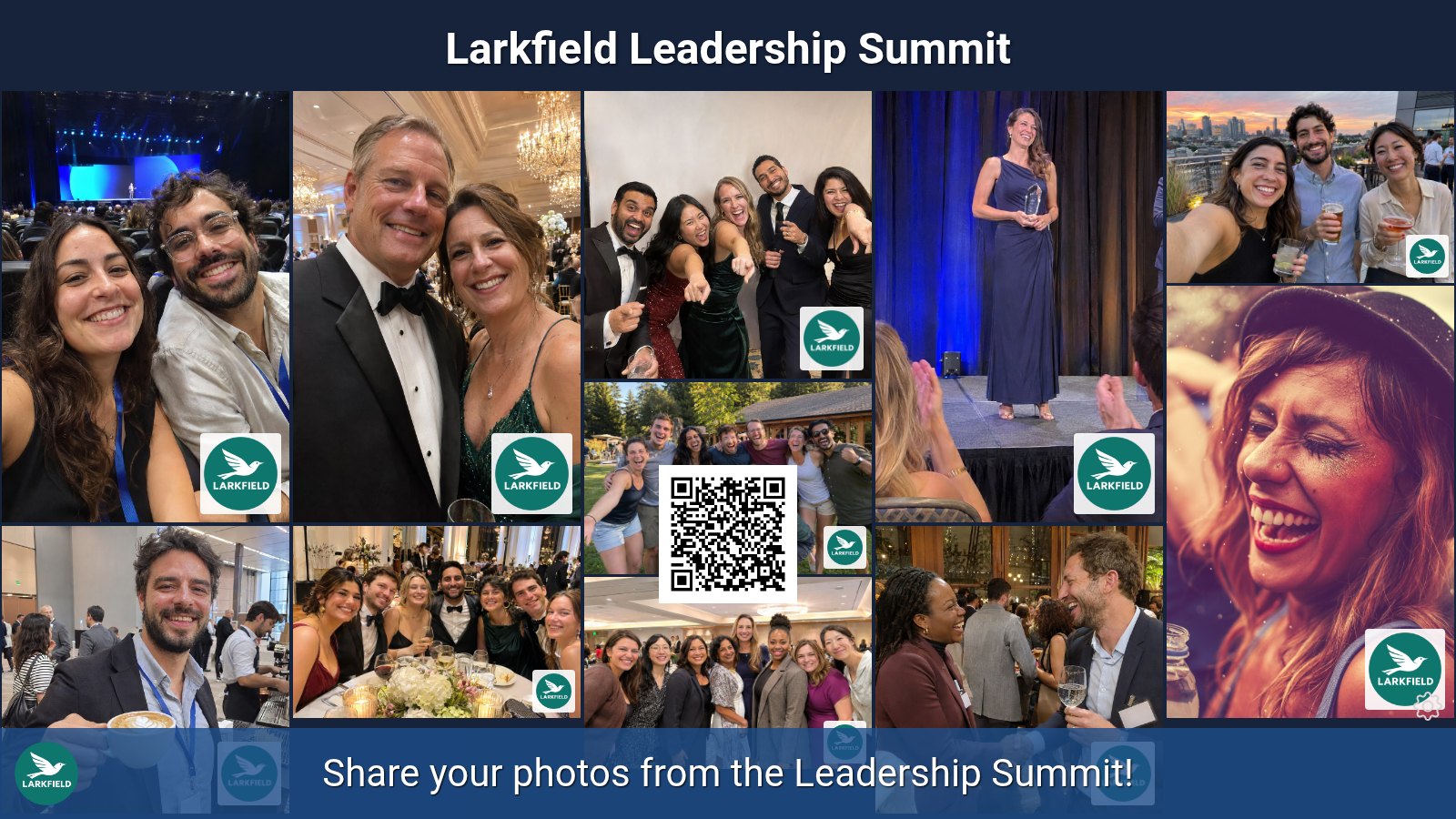
Style the live stream with your title and colours, and add your logo to the upload page, gallery and QR cards.
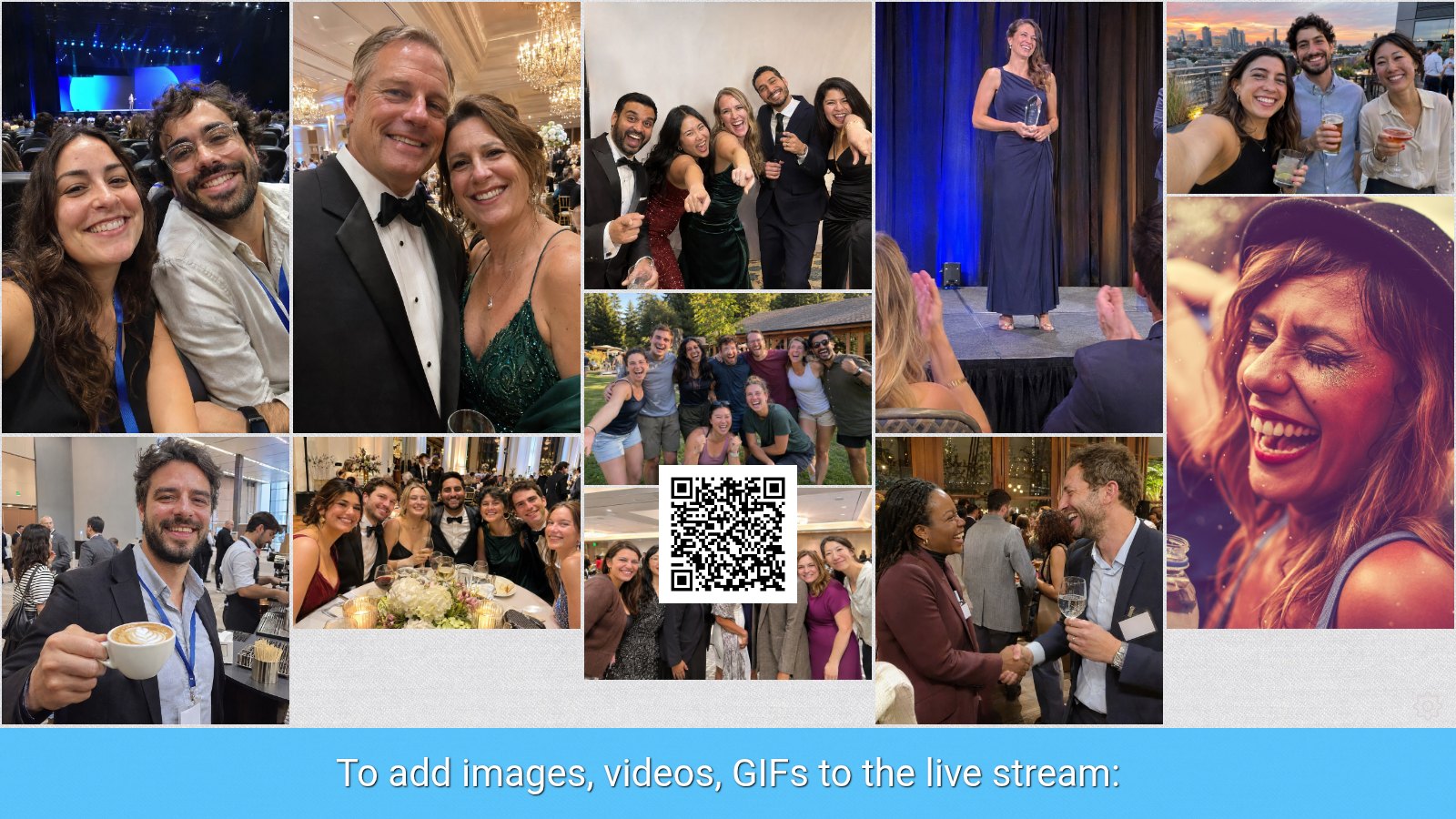 Default
Branded
Drag to compare the same stream, default and branded
Brand everything guests see
Your logo isn't just on the big screen. Add it everywhere guests share and view photos.
Branded upload page
Your logo, event title and colours on the page guests open to upload photos.
Branded gallery
Your logo, event title and colours on the gallery, and your logo on every photo.
Logo on QR cards
Your logo and event title printed on the QR code cards and signs for your tables.
Stay in control
QR posting controls
Decide how guests get to your upload page and what you need from them. Every package includes these settings.
Stream Settings
Who can post by QR
Require guest name On
Stay in control
Moderation and post controls
Keep the screen right for the room. Try the queue below: approve a post to send it to the stream, or archive it to keep it off.
Moderation queue
Queue clear
Live stream
live, archived
Archive and restore
On every package, take any post off the stream and bring it back later. Nothing is deleted.
Manual approval Complete
New posts wait in your queue and only reach the stream once you approve them.
AI-assisted Complete
Photos are checked for explicit, violent and disturbing content, and videos for explicit content. Flagged posts wait for you.
Work in batches
Select several posts and approve or archive them together, with the sender's details alongside.
Stay in control
Work as a team
Bring in co-hosts, planners or venue staff, and give each person exactly the access they need.
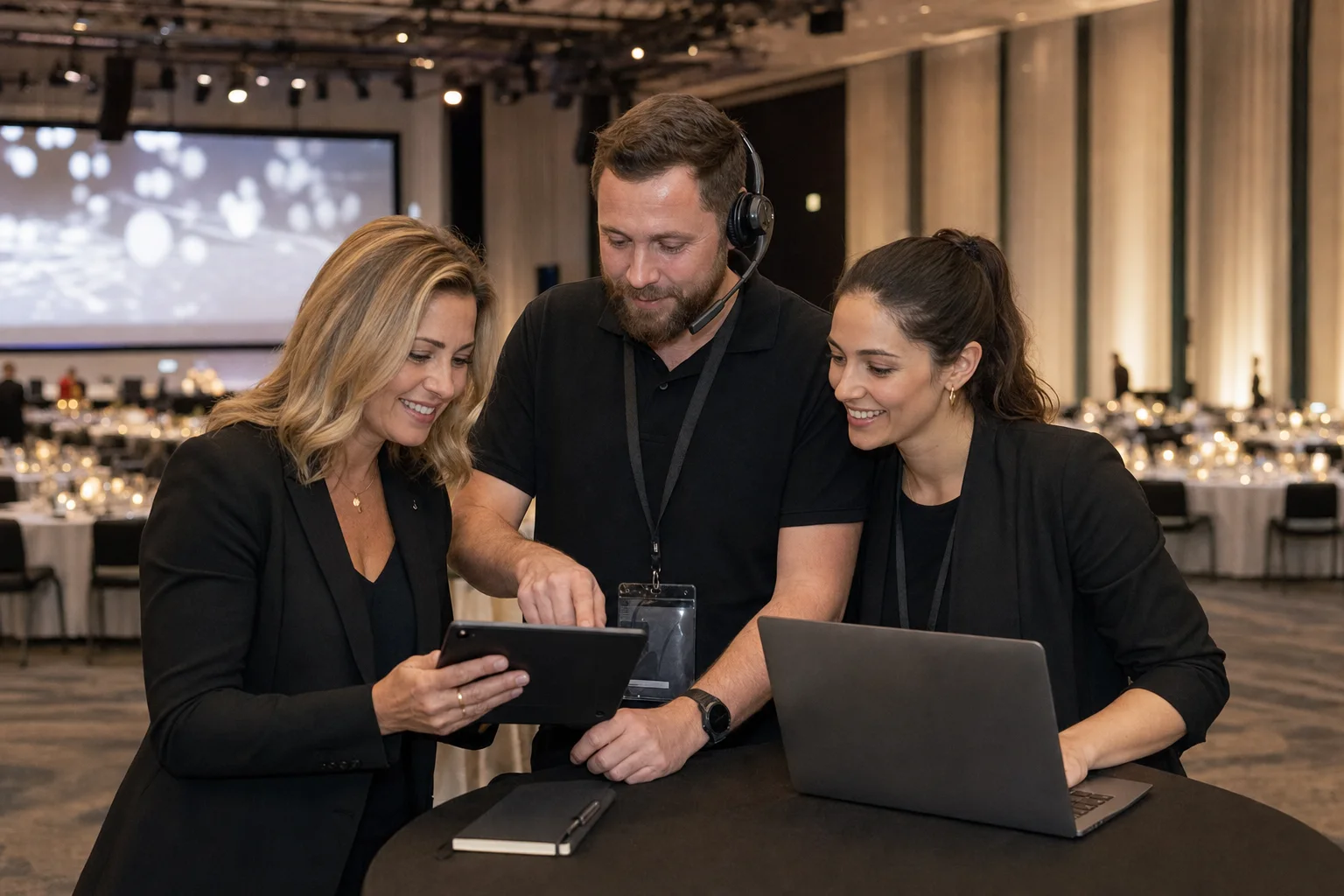
What they can do
- View media
- Moderate posts
- Manage media
- Edit settings
- Create events
- Purchase events
- Export media
- View reports
- Manage members
After the event
Posting insights
See how your event played out: when guests posted, how they shared and who got involved.
Posting Stats
Example event- Total received
- 412
- Live posts
- 386
- Archived
- 26
- Videos
- 58
- With captions
- 204
- Unique contributors
- 97
Posting Activity
Posts by Channel
Top Contributors
Activity over time
See posting peaks by hour or by day. Useful for planning when to prompt guests at your next event.
Channels and media types
Compare QR with MMS and photos with videos, and see how many posts have captions.
Your most active contributors
As the event owner, see your top posters and export a CSV of every post while your media is available.
After the event
Gallery
Give guests, and anyone who couldn't be there, one link to everything shared at your event.
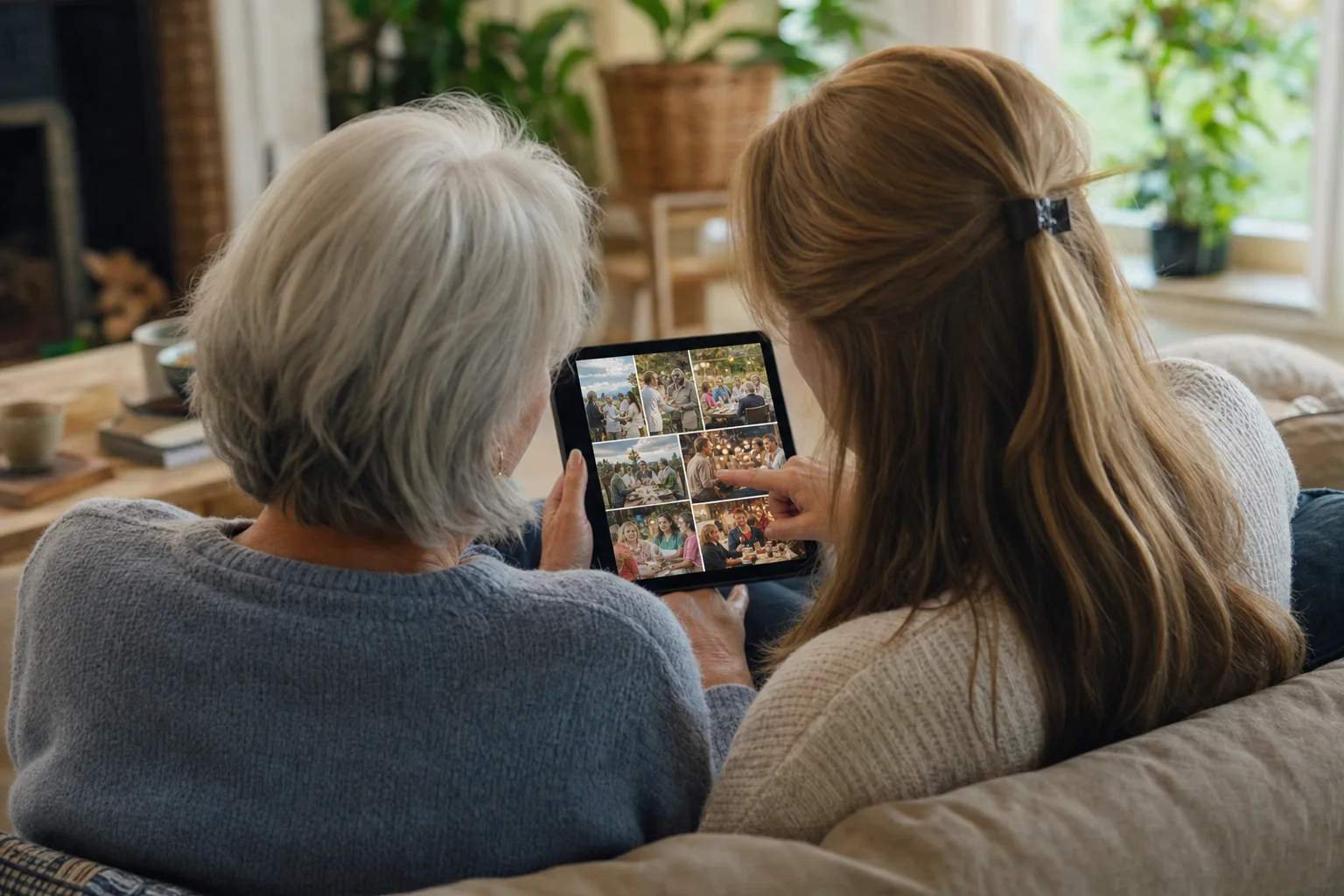
Sarah & Tom's Wedding
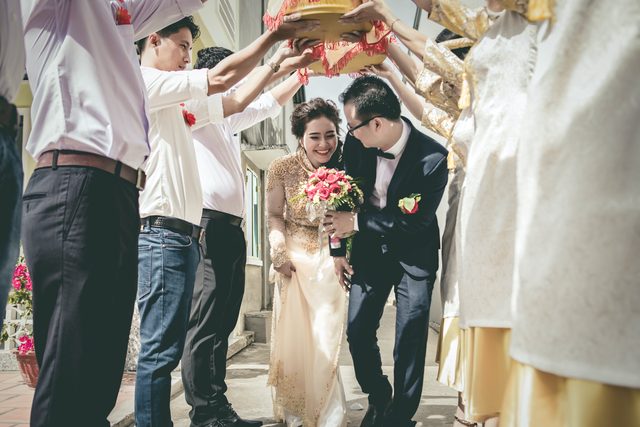
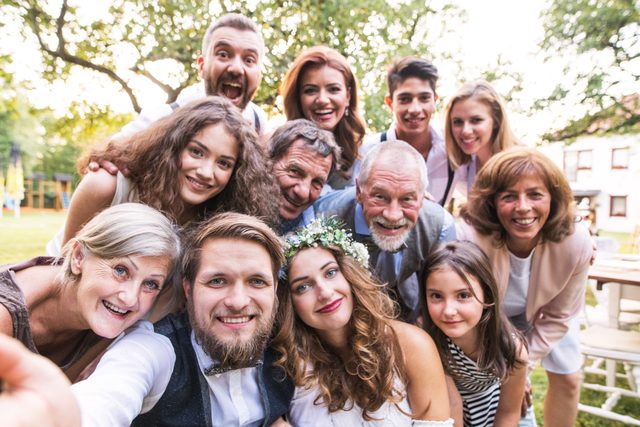
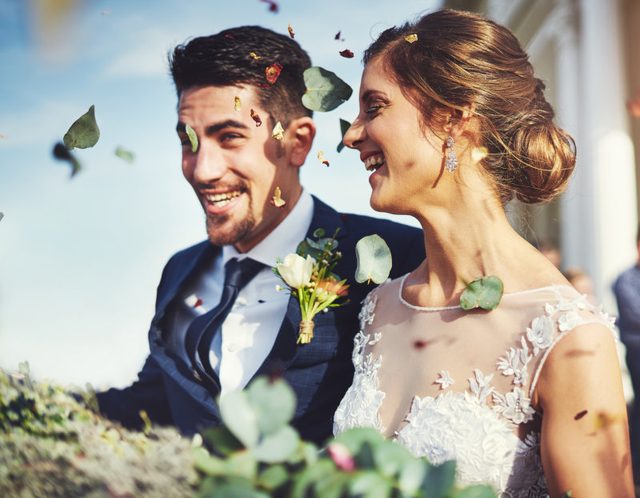
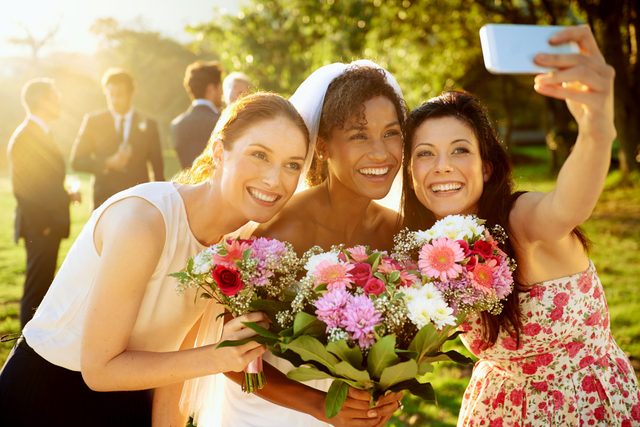
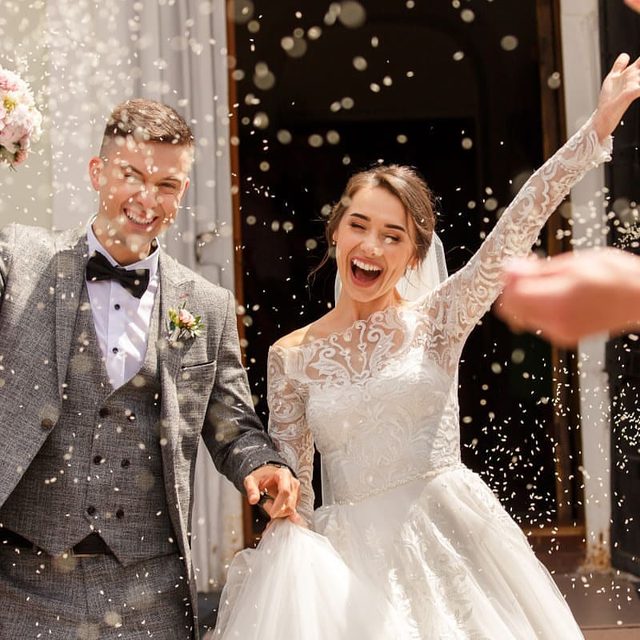
Visible when you say so
The gallery is off until you turn it on. Once it's on, anyone with the link can view it.
Guests save their favourites
Guests can open any post and download it, with no account needed. Archived posts stay hidden.
Branded your way Complete
Add your logo, event title and colours, plus a logo watermark on every photo.
After the event
Download all shared media
Every photo, video and GIF your guests post is yours to keep. When posting finishes, download the whole collection in one ZIP.



Put your guests' photos on the big screen
Set up your live stream in minutes, or try it free first with your own QR code. No app and no credit card needed for the demo.